Products & stock
Stock and purchases
How stock moves with orders, checking stock per size and colour, low stock, adjustments and counts, and buying stock from suppliers.
Who it is for:OwnerManager
Stock is kept per variant, in the warehouse your store packs from. You rarely change it by hand: it goes down when an order is confirmed, comes back when an order is returned, and goes up when you receive a purchase.
Check stock
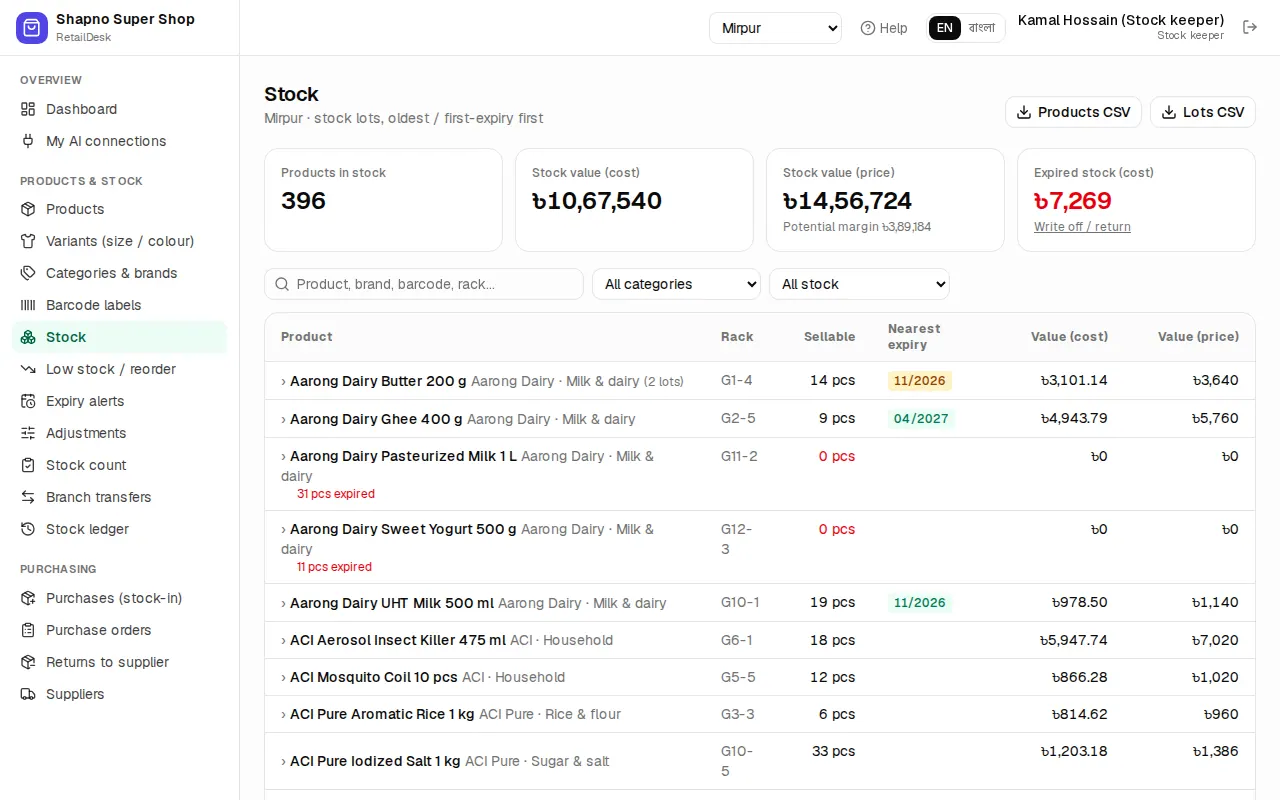
Products & stock › Stock shows the quantity and value of every product and variant.
- Low stock / reorder lists what is at or below its reorder level, with a suggested quantity to order.
- Stock ledger shows every movement of one product: orders, returns, purchases, adjustments, with who did it.
- The store shows Only {n} left when stock is low and stops selling a variant at 0.
Fix stock: adjustments and counts
- Adjustments: write off damaged items or correct a mistake. Choose the product, the quantity up or down and a reason.
- Stock count: count the shelf, type what you found, and EcomDesk makes the difference into one adjustment.
Buy stock from suppliers
- Add the supplier in Purchasing › Suppliers (name, contact person, phone, WhatsApp, address).
- Optional: make a Purchase order and send it to the supplier (there is a WhatsApp button).
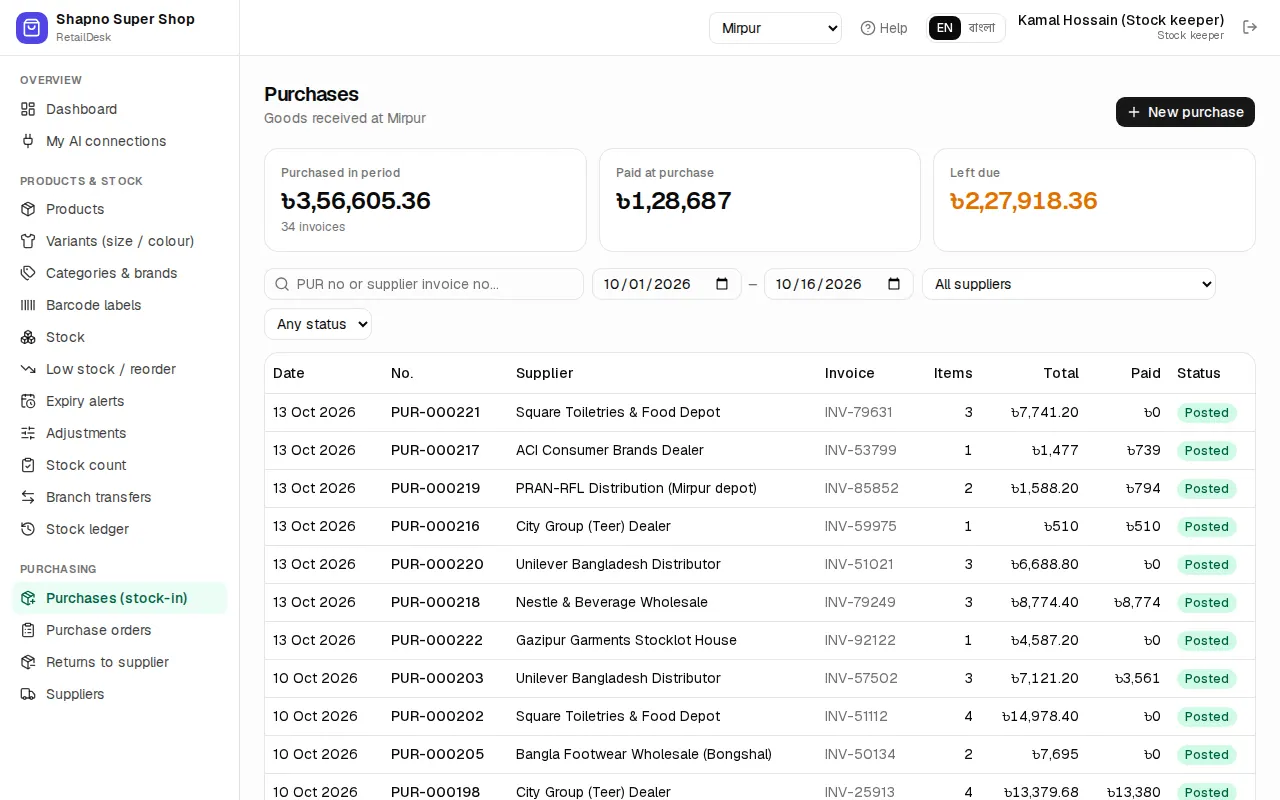
- When the goods arrive, go to Purchasing › Purchases (stock-in), click new, choose the supplier, add the products with quantity and cost, and save. Stock goes up and the cost is used for profit.
- Pay the supplier in Purchasing › Supplier payments; what you still owe shows as supplier dues.
- Faulty goods go back with Returns to supplier.