Money & reports
Money and reports
Where money is recorded (cash, bank, bKash accounts and expenses), what the dashboard and reports show, and the accounting behind them.
Who it is for:OwnerManager
On this page
EcomDesk keeps the books for you as orders, payouts, purchases and expenses happen. You mostly need to record expenses and check the reports.
Cash, bank and bKash accounts
Finance › Cash & bank lists your money accounts (cash, bank, bKash, Nagad…) with their balances. Money comes in when your own rider delivers, when you record a courier payout or an online payment, and goes out for purchases, supplier payments, refunds and expenses. Open an account to see every entry.
Expenses
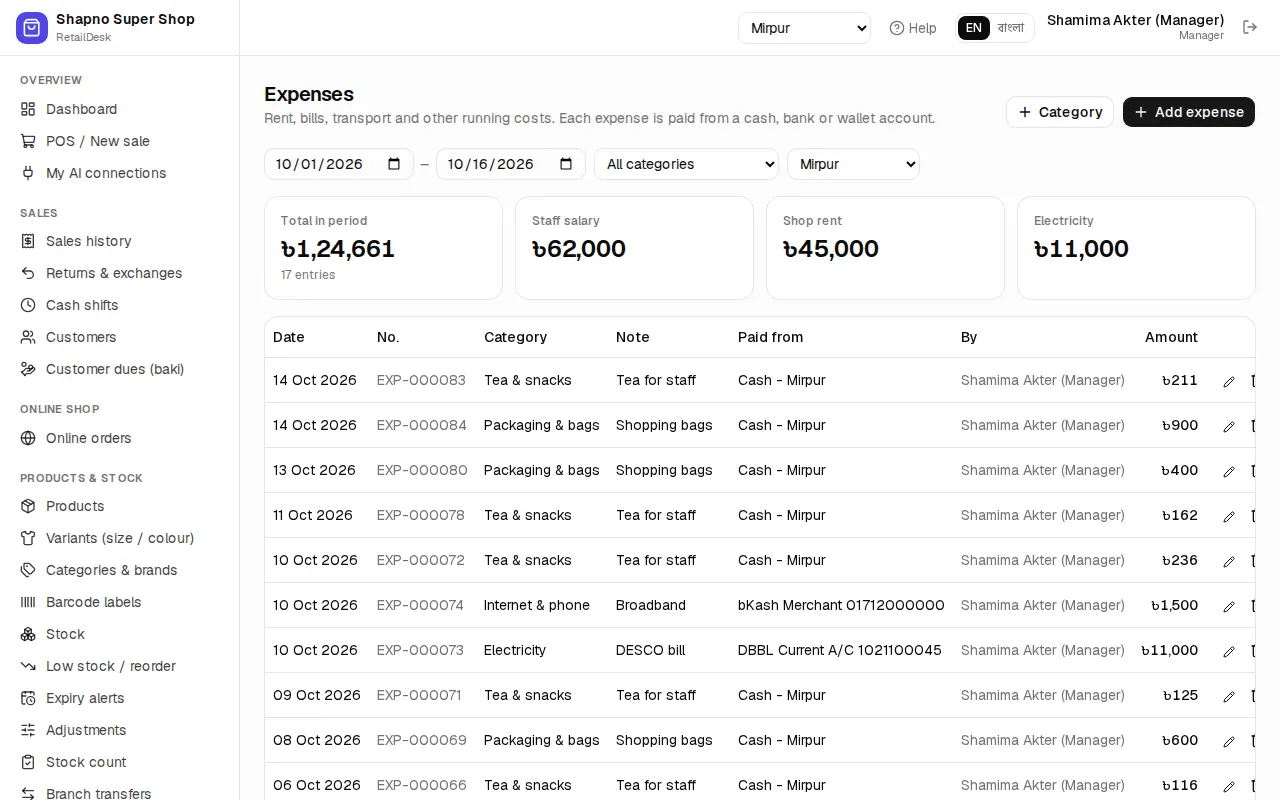
Finance › Expenses: record rent, packaging, staff salary, internet, photography and so on, with the category, amount, date and the account it was paid from. Enter ad spend in Ad spend & profit instead, so it shows against your campaigns.
Reports
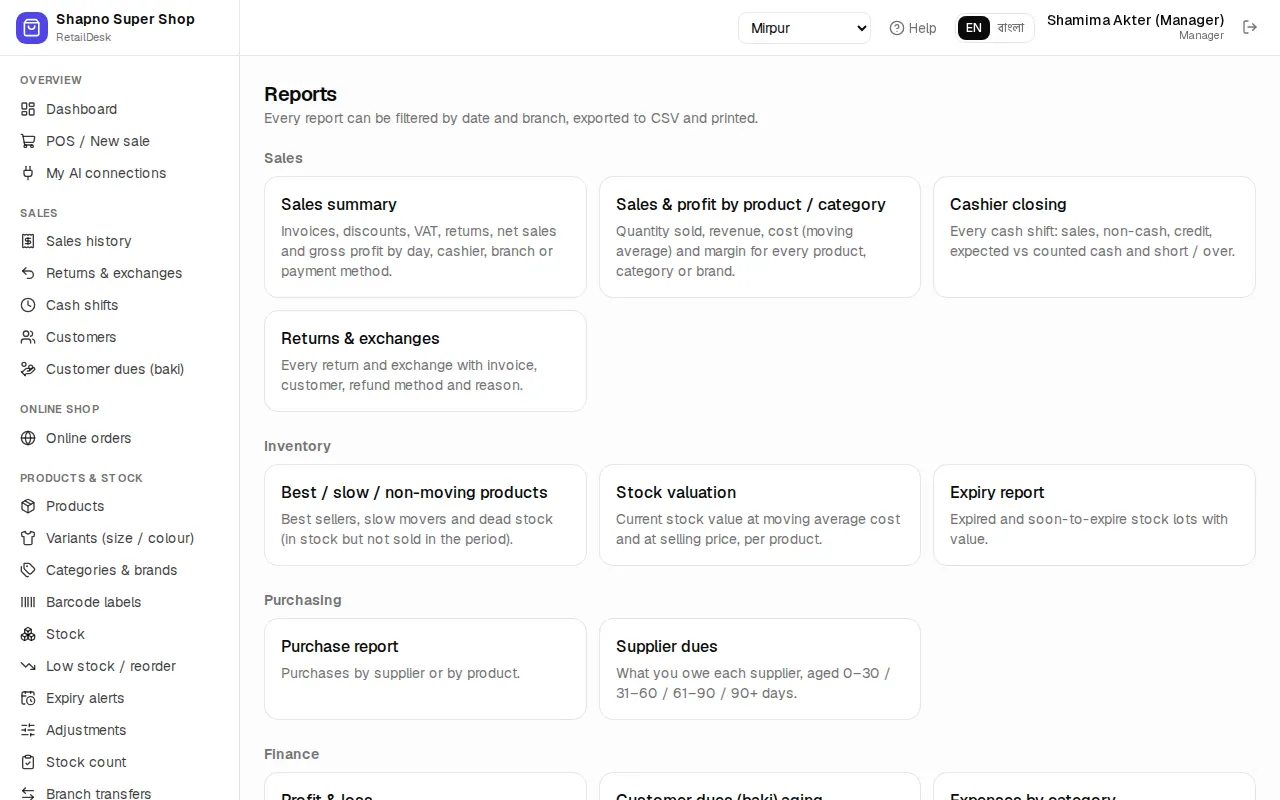
Reports › All reports has, among others: Sales summary, Sales & profit by product / category, Profit & loss, Returns & exchanges, Best / slow / non-moving products, Stock valuation, Purchase report, Supplier dues, Expenses by category and Cashbook. Pick the dates, and print or download.
For accountants, Finance also has journal vouchers, the general ledger, chart of accounts, trial balance, income statement and balance sheet, all built automatically from your orders and payments.